Servis.ai collects customer data through workflows, integrations, and manual updates. Once the data is imported, users can begin managing and updating it as needed.
Let’s get started!
Edit
To update any record, click Edit in the top-right corner.
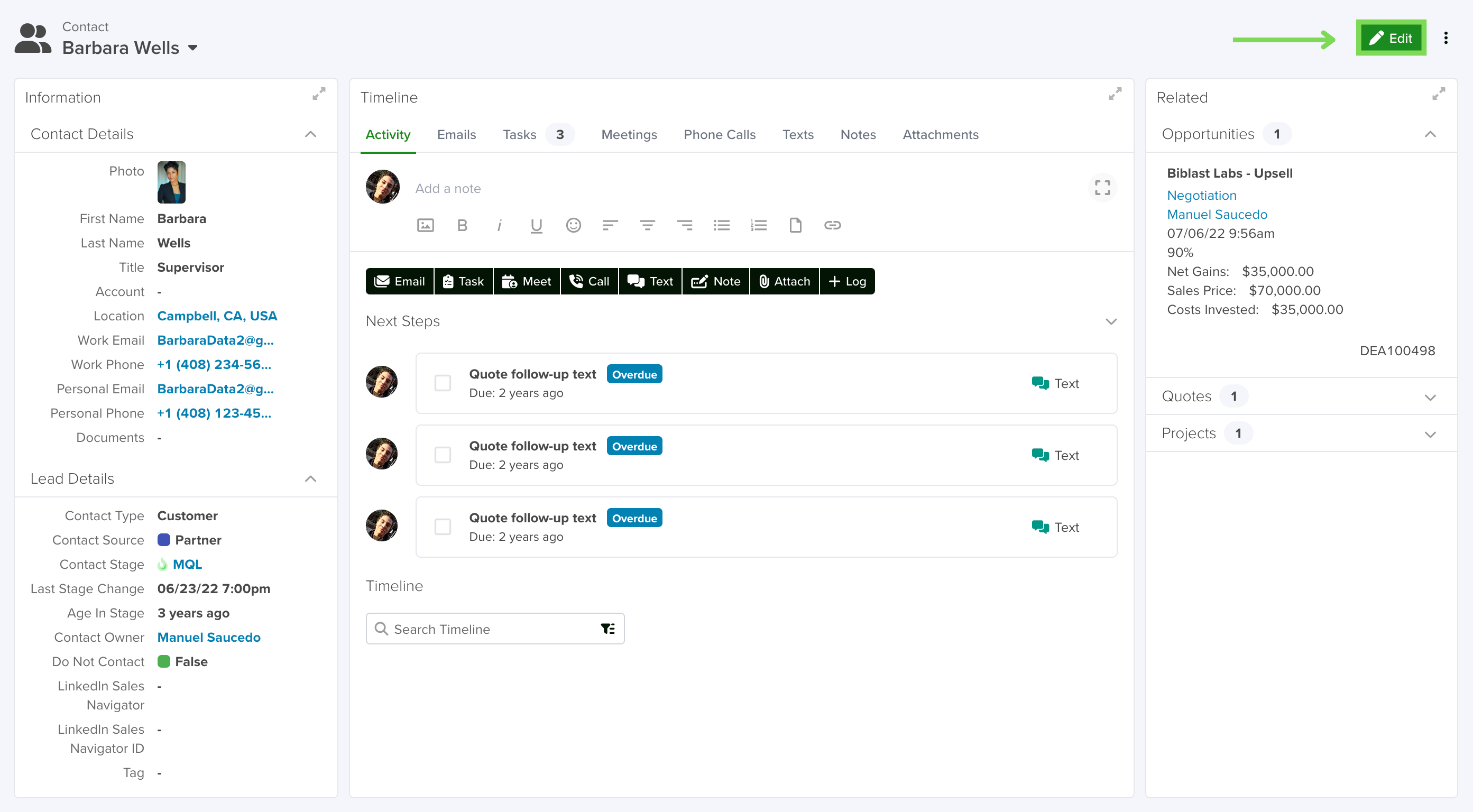
From here, you can adjust stages, assign or change the record owner, update contact information, or modify any other available fields.
Fields
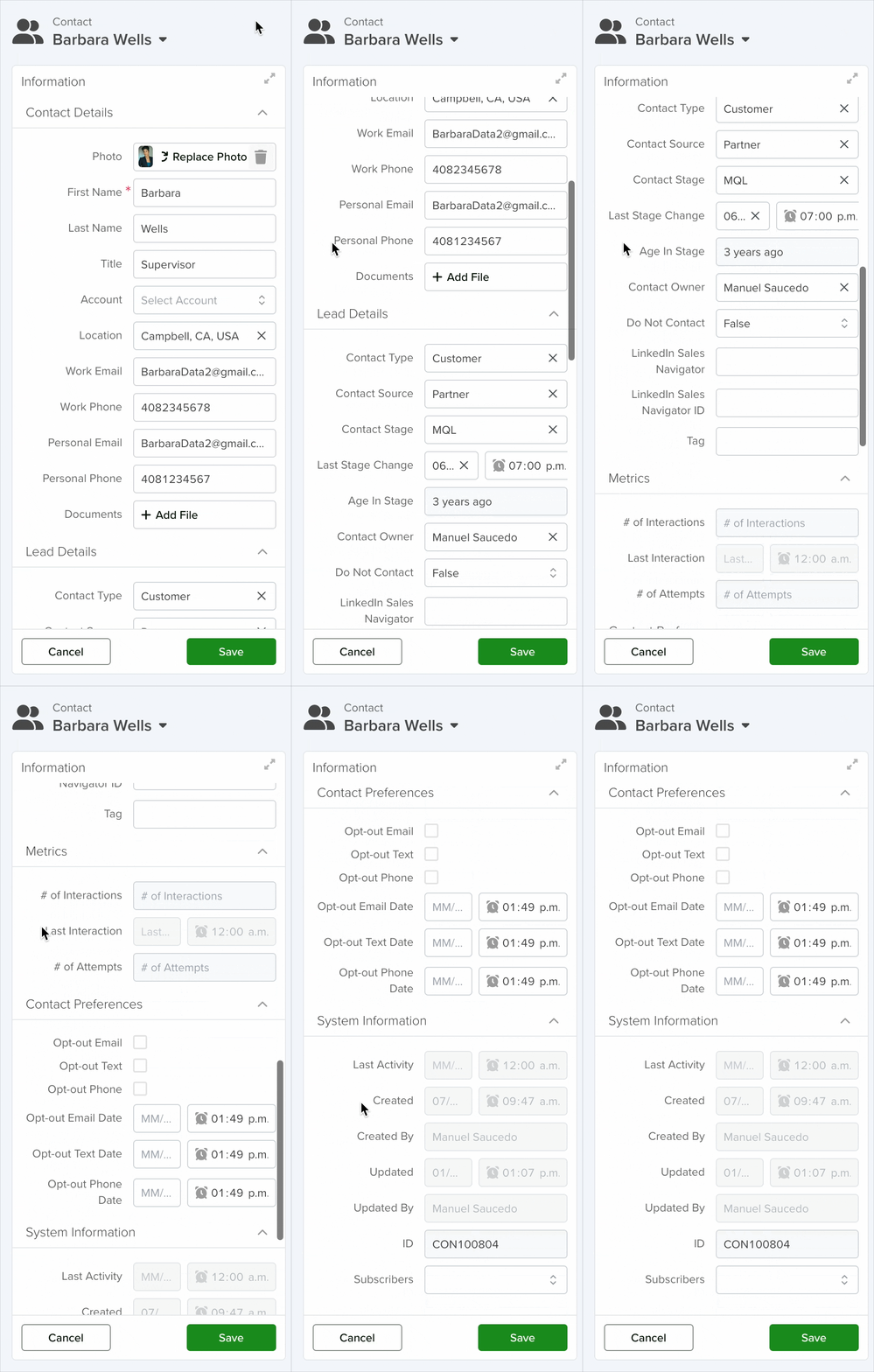
Some fields in servis.ai are non-editable because they are:
- Restricted by admin settings
- Controlled by form rules
- Automatically calculated by the system
Examples include Number of Interactions and Creation Date.
To learn more about field types and access, visit the Knowledge Base under the Form Fields Types section in Settings.
Timeline
Once saved, updates are immediately reflected across servis.ai. Changes appear in related lists as well as in charts, dashlets, and dashboards.
To update an event from the Timeline, hover over the event, click the three-dot menu (…), and select Navigate to Record.
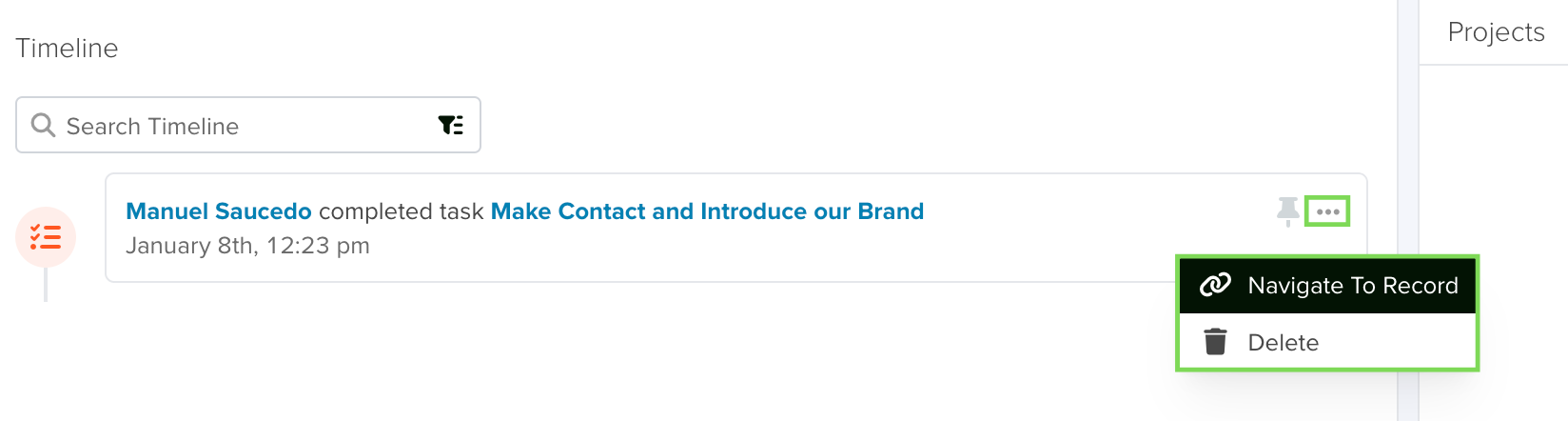
This will take you to the source record, where you can make updates. Any changes will be reflected back in the Timeline.
Only users with permissions to edit activities can modify Timeline events.
Learn more about Timeline functionality: Activity Timeline and Users.
Event Logs
Servis.ai maintains detailed change logs to track activity across records, including who made changes and when.
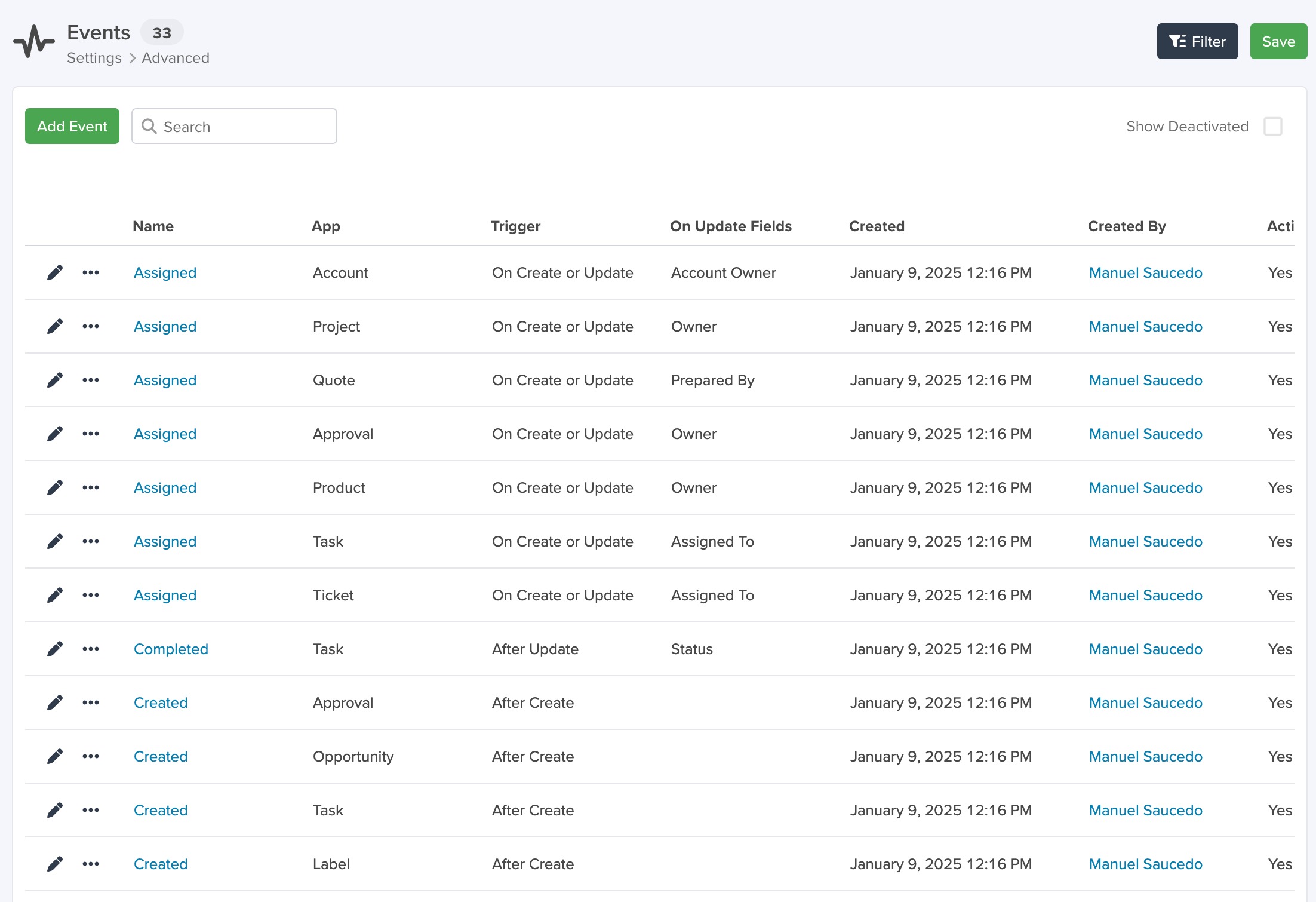
Access these logs via Settings > Advanced > Events. Logs are organized into:
- Event Logs
- Tasks
- Emails
- Meetings
- Phone Calls
- SMS
- Notes
- Attachments
Reviewing these logs ensures visibility and accountability across all updates.
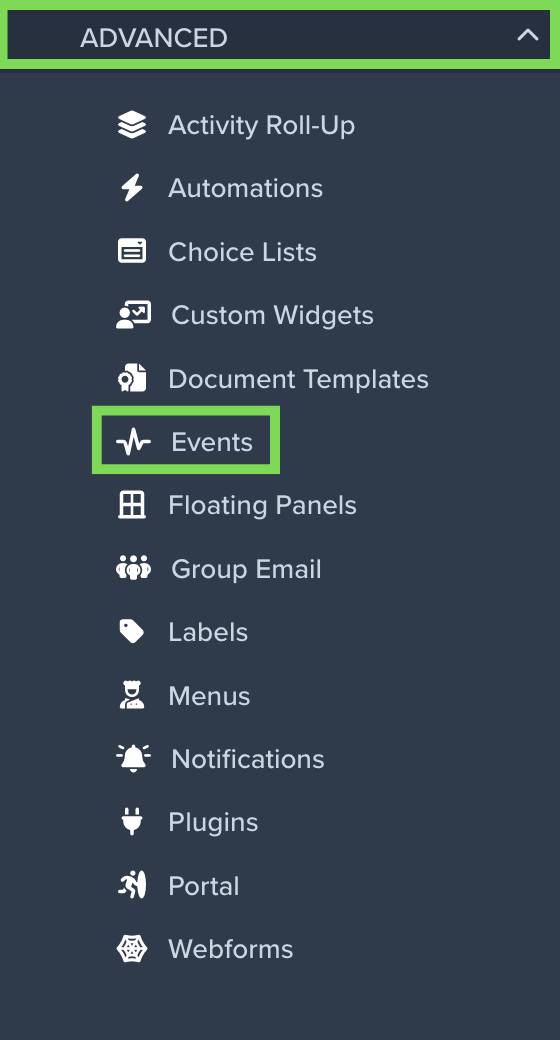
Within the Event Logs app, you can view:
- Activity type
- Associated message (if applicable)
- Source app
- Source record
- Date and time of the event
- User who made the change
Learn more: Audit Logs and Activities Menu.
Stay tuned for the next Getting Started Guide: Activity Timeline
To explore more features, visit the Help Center: https://servis.ai/docs/


