The Schedule Meeting feature in servis.ai automations simplifies meeting coordination by automatically scheduling meetings based on predefined conditions.
You can customize key details such as meeting templates, start times, duration, owner, and attendees. By automating scheduling, teams reduce conflicts, improve coordination, and ensure timely follow-ups with the right participants.

How to Set Up the Meeting Action
To configure the Schedule Meeting action, complete the following fields:
- Name (Required): Enter a name to identify the action.
- Meeting Template: Select a predefined meeting template. If you don’t have one yet, refer to the template creation guide.
- Start Time: Choose when the meeting should begin. This can be based on events such as the first call associated with a record.
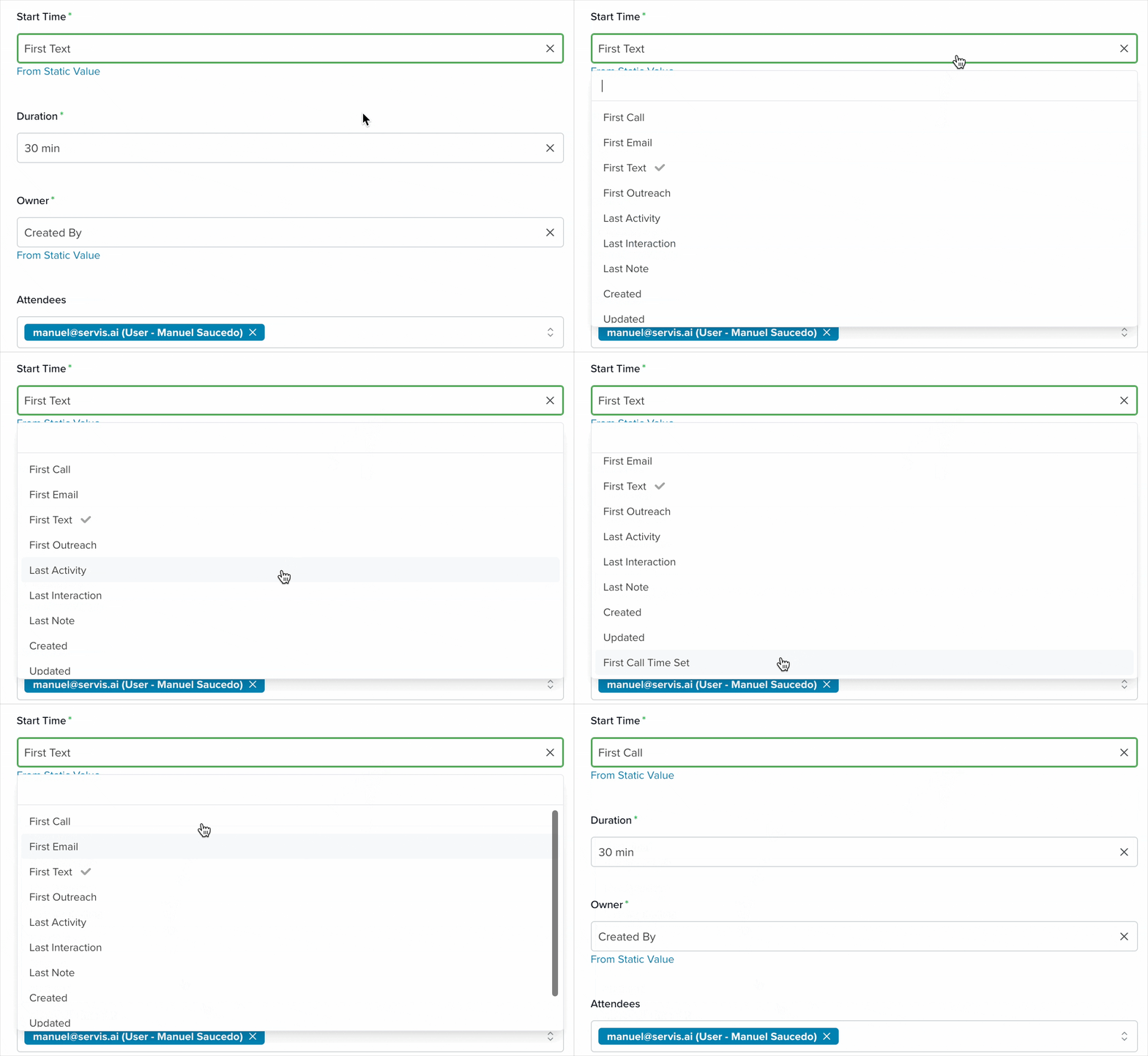
- Duration: Select how long the meeting will last, typically between 15 and 120 minutes.

- Owner: Choose the user who will be assigned as the meeting owner.

- Attendees: Add participants by entering email addresses manually or selecting contacts. The dropdown will automatically suggest related contacts.
Learn more about automation actions: Read this article.
“


