This feature is only available with an Enterprise Edition servis.ai tenant.
Impersonation lets approved users temporarily act as another user within the same tenant. It’s useful for testing user-specific experiences, troubleshooting configurations, and reviewing permissions—without needing the user’s credentials.
Access & Requirements
-
Role required: Impersonator
-
Assign at: Settings → Company → Users
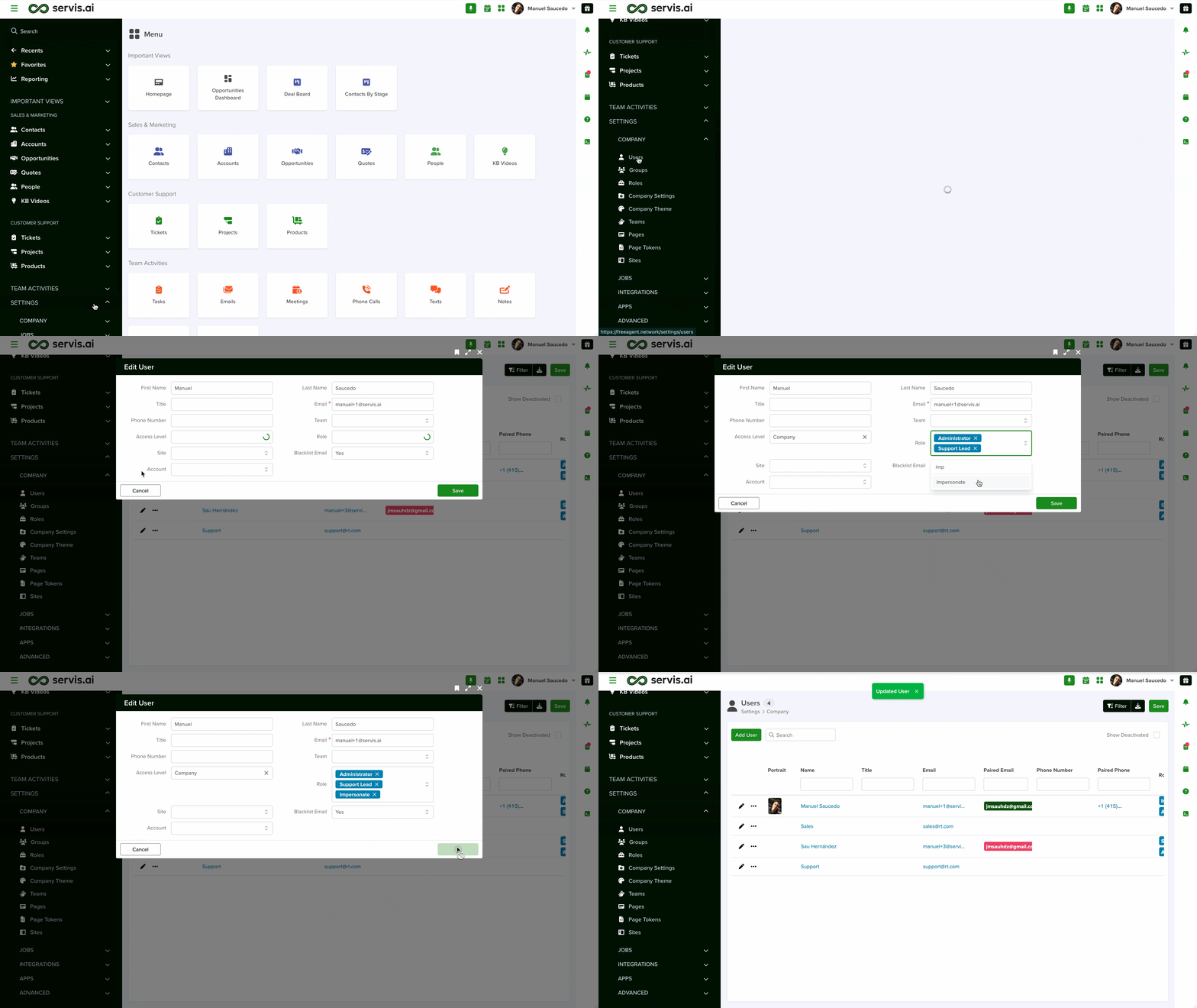
Once assigned, an impersonation icon appears in the UI. Use it to select a target user inside your tenant.

What Impersonation Does
-
Performs a full context switch to the selected user.
-
Applies that user’s ACLs, roles, teams, and form configurations.
-
No credentials from the target user are needed.
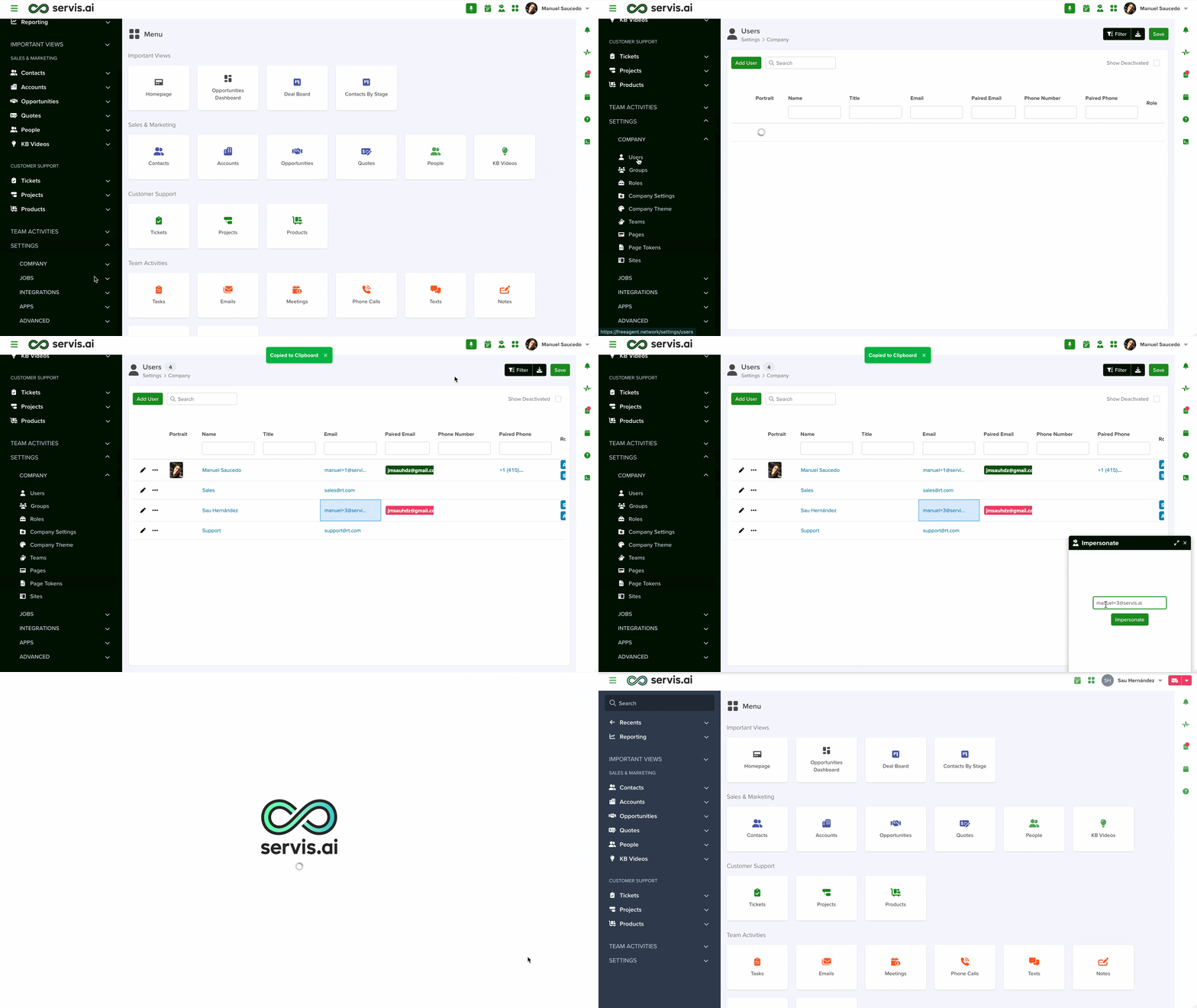
Start an Impersonation
-
Ensure your current user has the Impersonate role.
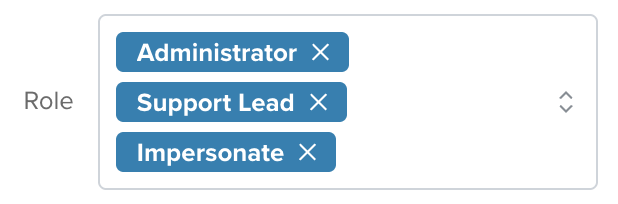
-
Select the impersonation icon.

Choose a target user from your tenant.
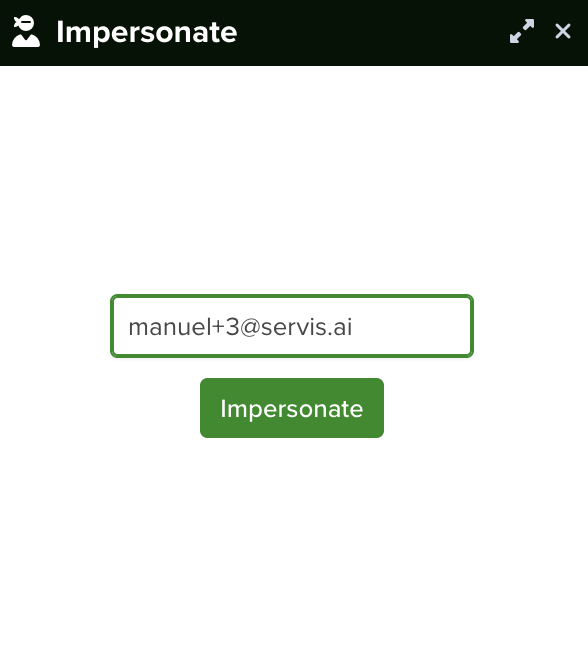
Confirm to switch into that user’s context.
Monitor & Audit
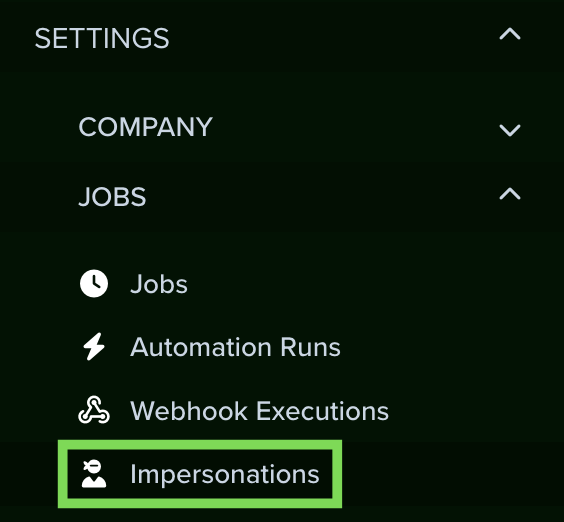
View all impersonation activity at Settings → Jobs → Impersonations.
The log includes:
-
Who impersonated whom
-
Date and time of each session