User Permissions: Only Admins can configure this feature.
Managing date and time settings ensures a consistent and user-friendly experience. These preferences can be customized to match regional or organizational requirements.
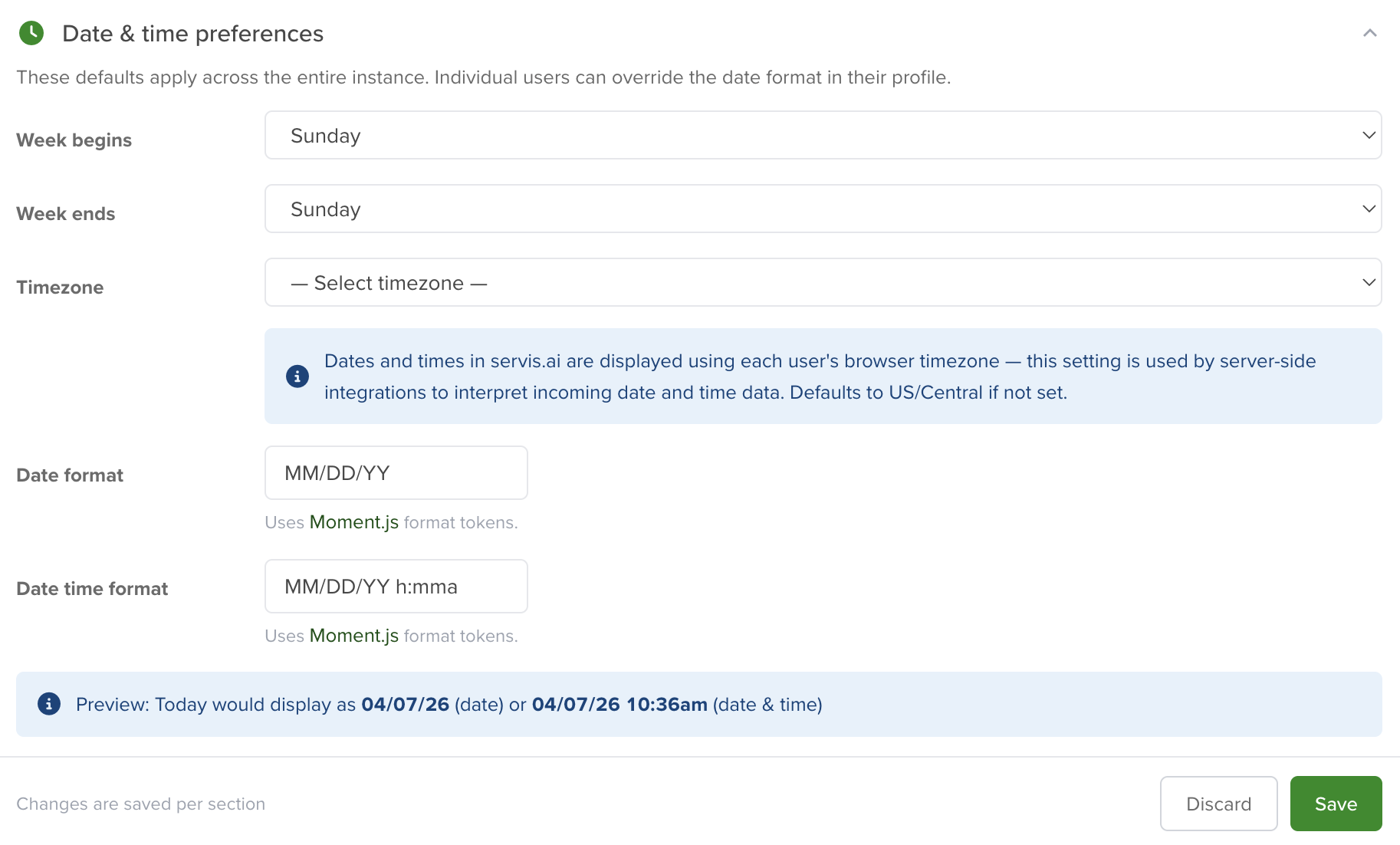
You don’t need to configure every option. If no changes are required, you can leave the fields with their default values.
These formats can also be optimized for reporting, allowing you to display only the most relevant information and improve efficiency.
For example, using January 1st, 2022 at 2:00 PM and 30 seconds:
| Use Case | Format |
| If you need all this information | January 1st, 2022 14:00:00:30 |
| If only the date is needed in a minimized format | 1/1/22 |
Week Begins & Ends
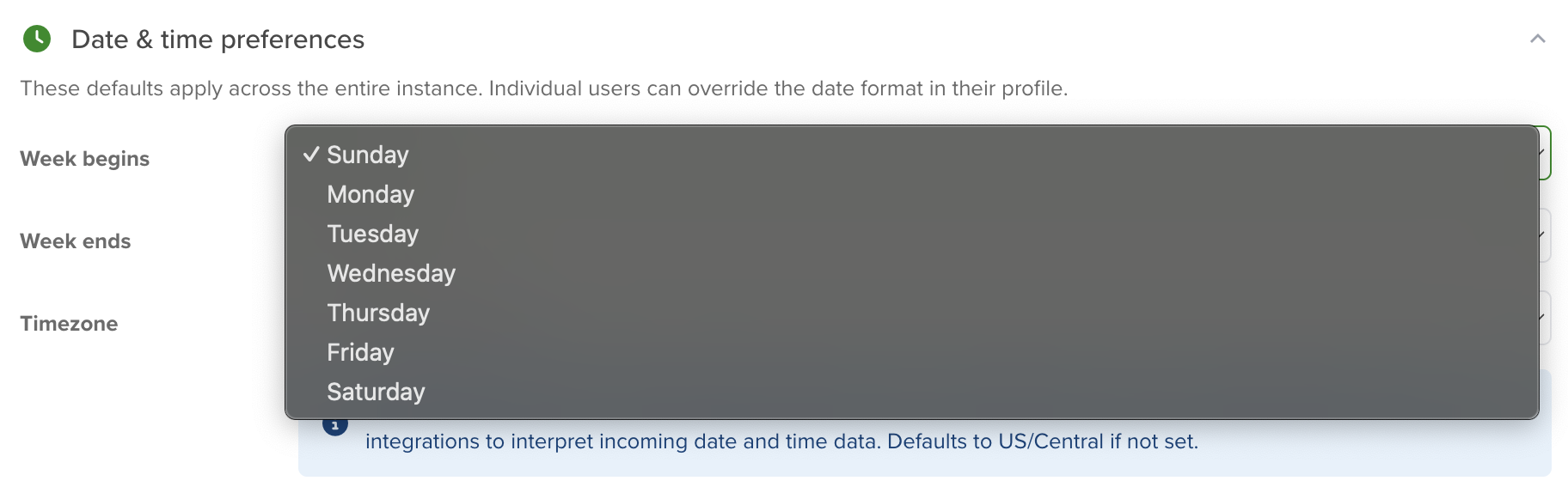
Customize your workweek by selecting the preferred start and end days to match your organization’s schedule.
Date and Date Time Format
Select how dates are displayed across the system using formats such as MM/DD/YYYY, DD/MM/YYYY, or YYYY-MM-DD.
For advanced customization, both Date Format and Date & Time Format support format masks from Moment.js.
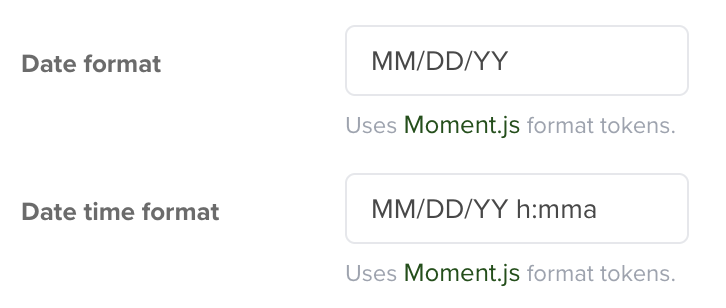
Note: Your organization’s date format affects both display and data entry, helping standardize reporting.
These formats apply across the entire system. Below is a reference table of available formatting options using Moment.js:
| Date Format | Value | Result |
| Month | M | 1 2 … 11 12 |
| Mo | 1st 2nd … 11th 12th | |
| MM | 01 02 … 11 12 | |
| MMM | Jan Feb … Nov Dec | |
| MMMM | January February … November December | |
| Quarter | Q | 1 2 3 4 |
| Qo | 1st 2nd 3rd 4th | |
| Day of Month | D | 1 2 … 30 31 |
| Do | 1st 2nd … 30th 31st | |
| DD | 01 02 … 30 31 | |
| Day of Year | DDD | 1 2 … 364 365 |
| DDDo | 1st 2nd … 364th 365th | |
| DDDD | 001 002 … 364 365 | |
| Day of Week | d | 0 1 … 5 6 |
| do | 0th 1st … 5th 6th | |
| dd | Su Mo … Fr Sa | |
| ddd | Sun Mon … Fri Sat | |
| dddd | Sunday Monday … Friday Saturday | |
| Day of Week (Locale) | e | 0 1 … 5 6 |
| Day of Week (ISO) | E | 1 2 … 6 7 |
| Week of Year | w | 1 2 … 52 53 |
| wo | 1st 2nd … 52nd 53rd | |
| ww | 01 02 … 52 53 | |
| Week of Year (ISO) | W | 1 2 … 52 53 |
| Wo | 1st 2nd … 52nd 53rd | |
| WW | 01 02 … 52 53 | |
| Year | YY | 70 71 … 29 30 |
| YYYY | 1970 1971 … 2029 2030 | |
| YYYYYY | -001970 -001971 … +001907 +001971 Note: Expanded Years (Covering the full time value range of approximately 273,790 years forward or backward from 01 January, 1970) |
|
| Y | 1970 1971 … 9999 +10000 +10001 Note: This complies with the ISO 8601 standard for dates past the year 9999 |
|
| Era Year | y | 1 2 … 2020 … |
| Era | N, NN, NNN | BC AD Note: Abbr era name |
| NNNN | Before Christ, Anno Domini Note: Full era name |
|
| NNNNN | BC AD Note: Narrow era name |
|
| Week Year | gg | 70 71 … 29 30 |
| gggg | 1970 1971 … 2029 2030 | |
| Week Year (ISO) | GG | 70 71 … 29 30 |
| GGGG | 1970 1971 … 2029 2030 | |
| AM/PM | A | AM PM |
| a | am pm | |
| Hour | H | 0 1 … 22 23 |
| HH | 00 01 … 22 23 | |
| h | 1 2 … 11 12 | |
| hh | 01 02 … 11 12 | |
| k | 1 2 … 23 24 | |
| kk | 01 02 … 23 24 | |
| Minute | m | 0 1 … 58 59 |
| mm | 00 01 … 58 59 | |
| Second | s | 0 1 … 58 59 |
| ss | 00 01 … 58 59 | |
| Fractional Second | S | 0 1 … 8 9 |
| SS | 00 01 … 98 99 | |
| SSS | 000 001 … 998 999 | |
| SSSS … SSSSSSSSS | 000[0..] 001[0..] … 998[0..] 999[0..] | |
| Time Zone | z or zz | EST CST … MST PST Note: as of 1.6.0, the z/zz format tokens have been deprecated from plain moment objects. Read more about it here. However, they *do* work if you are using a specific time zone with the moment-timezone addon. |
| Z | -07:00 -06:00 … +06:00 +07:00 | |
| ZZ | -0700 -0600 … +0600 +0700 |
Once finished, click “Save” to apply your date and time preferences across your organization.
Note: Team members can use format masks to customize how dates appear (for example, using a shorter format like 5/9/22).
Time Zone Selection
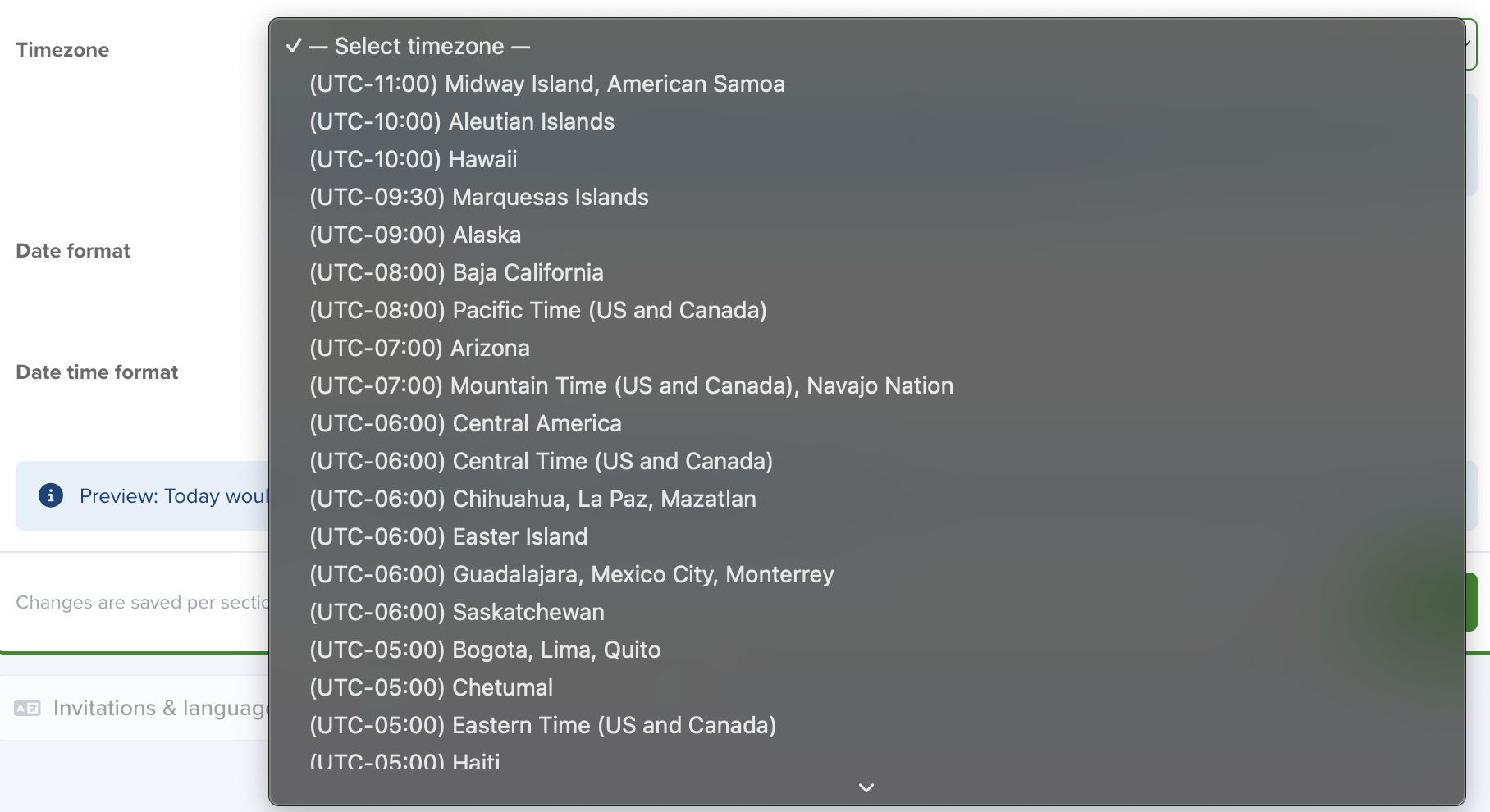
Set your preferred time zone to ensure accurate timestamps across records and scheduled events.