The Custom Code action gives you full control over your automation by allowing you to write custom JavaScript. It’s designed for situations where standard actions aren’t enough and you need more flexibility.
- Transform or format data before sending it elsewhere
- Perform advanced calculations
- Trigger actions based on complex conditions
- Update multiple fields using custom rules
- Connect with external systems in specific ways

How to Set Up the Custom Code Action
Name: Enter a clear name so you can easily identify the action later.
App: Select the app where the Custom Code will run. By default, this is the app selected at the start of the automation, but you can change it if needed.
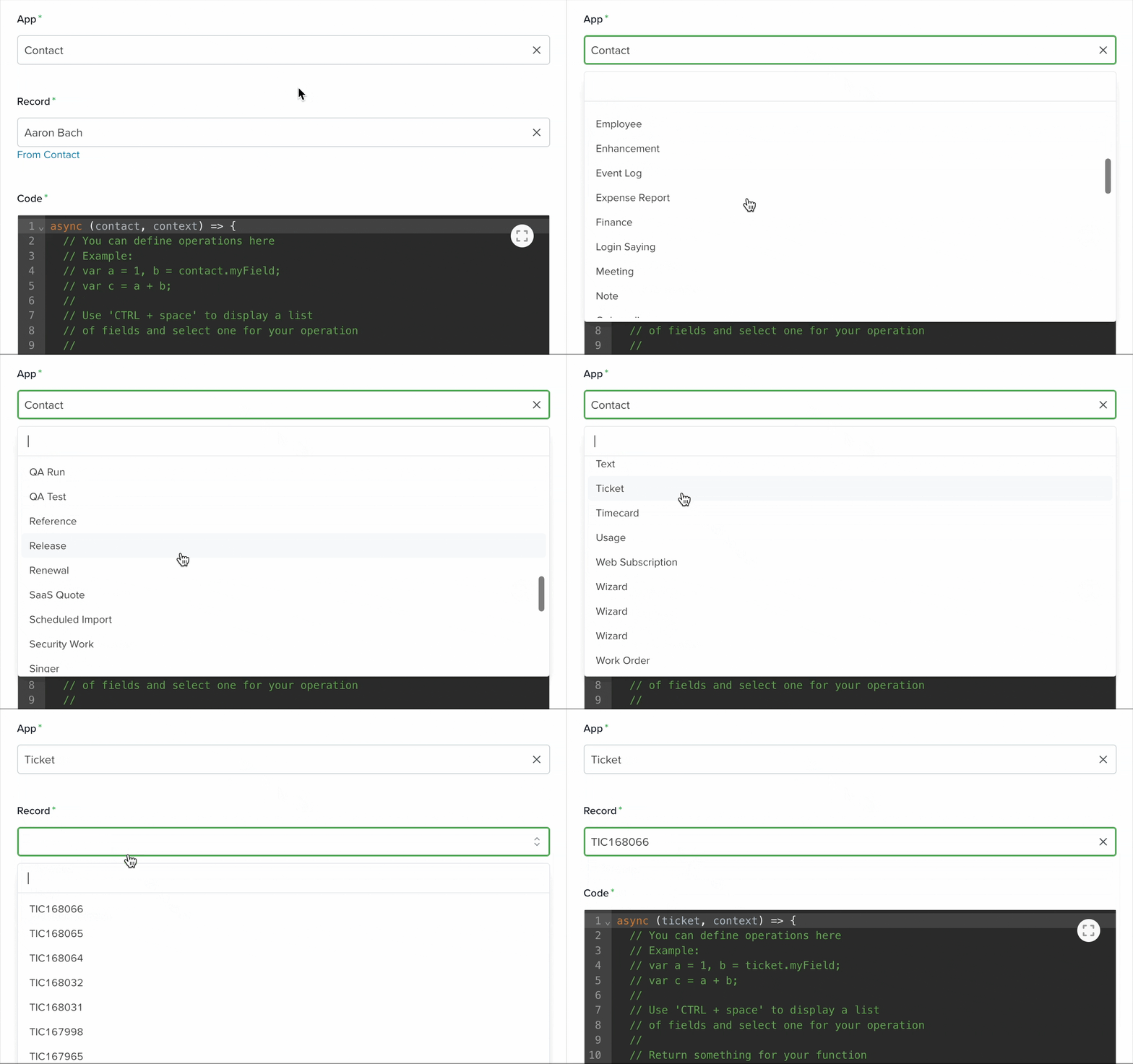
Record: Choose which record from the selected app will be affected. The options available depend on the selected app.
If you select the same app used at the start of the automation, two modes will be available:
- From [Selected App]
In this mode, selecting Triggering Record ensures the automation updates the same record that triggered it. This record is defined in the Start action.

For example, if the automation starts in the Contacts App, the update will apply to the same record that triggered the automation.
- From Record
This mode lets you select a specific record manually. The dropdown will display available records from the selected app.
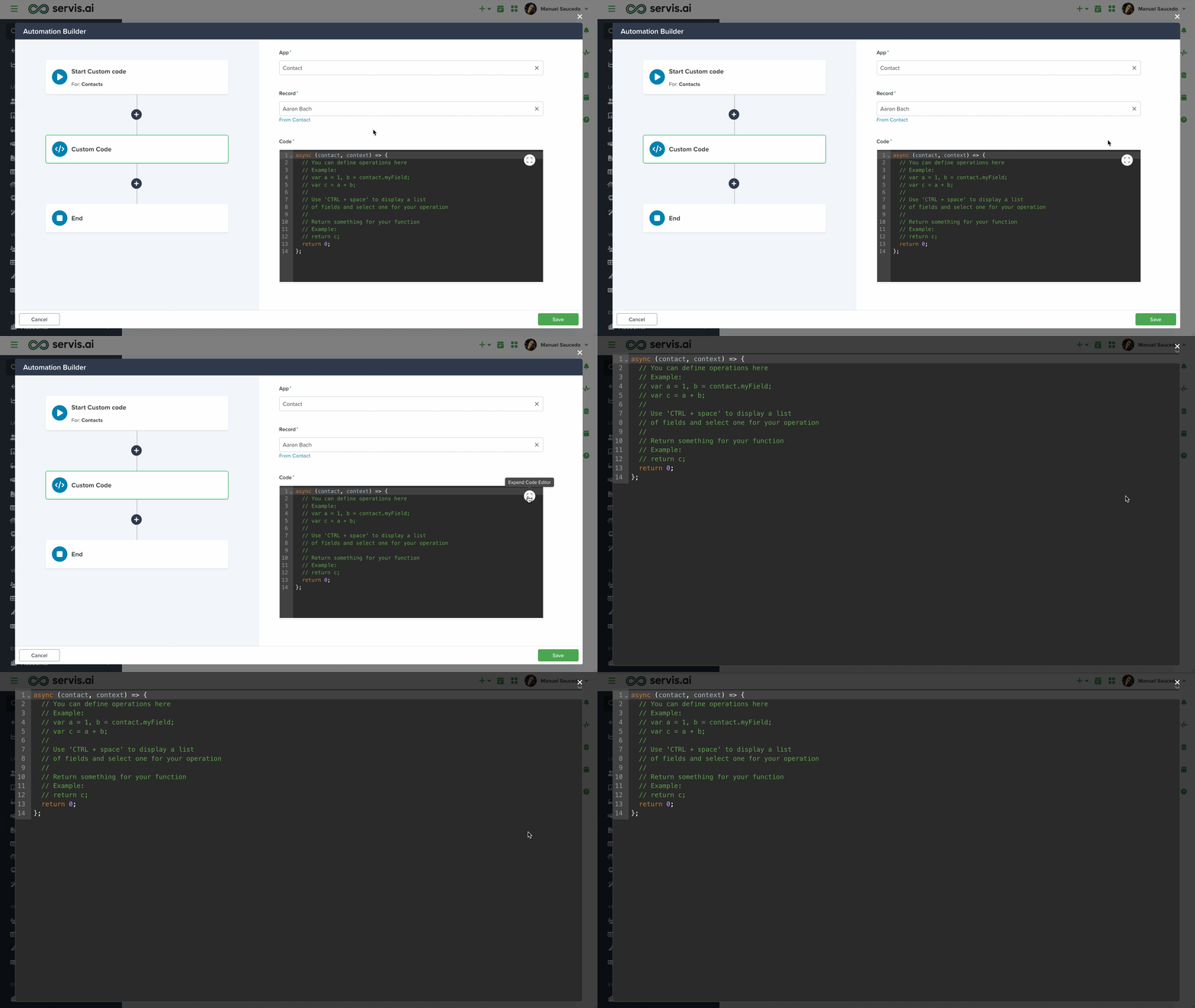
Code: Enter your custom JavaScript here. Use this area to define logic, transformations, or conditions based on the selected App and Record.

Note: You can expand the code editor for a better editing experience.
Learn more about automation actions: Read this article.



