The Advanced card in the Preferences menu gives you more control over how information appears and behaves across the platform. Key features include:
- Custom date and time formats to match your personal or organizational standards
- Control over how months, days, and time zones are displayed
- Options to show deactivated values in filters
- Warnings for unsaved changes, helping you avoid accidental data loss
Navigate to Advanced
Open the Preferences menu by clicking on your username in the top right corner of the screen. This will open your profile menu. Click on ‘Preferences’ and then navigate to the ‘Advanced’ card.
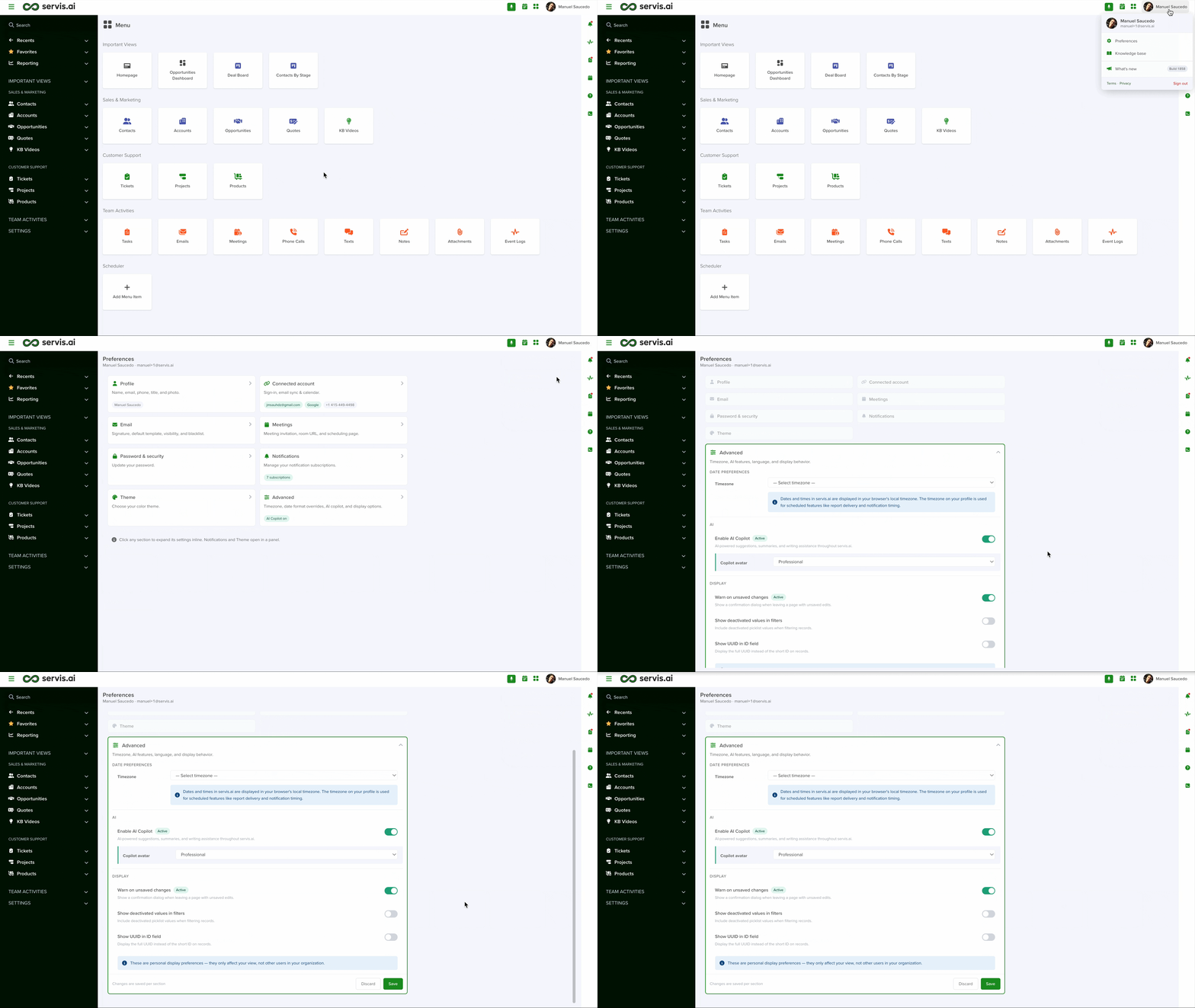
Date Preferences
Here you can also add specific formats for date and date-time fields. These formats will be used across the entire system unless a given field has its own formatting.
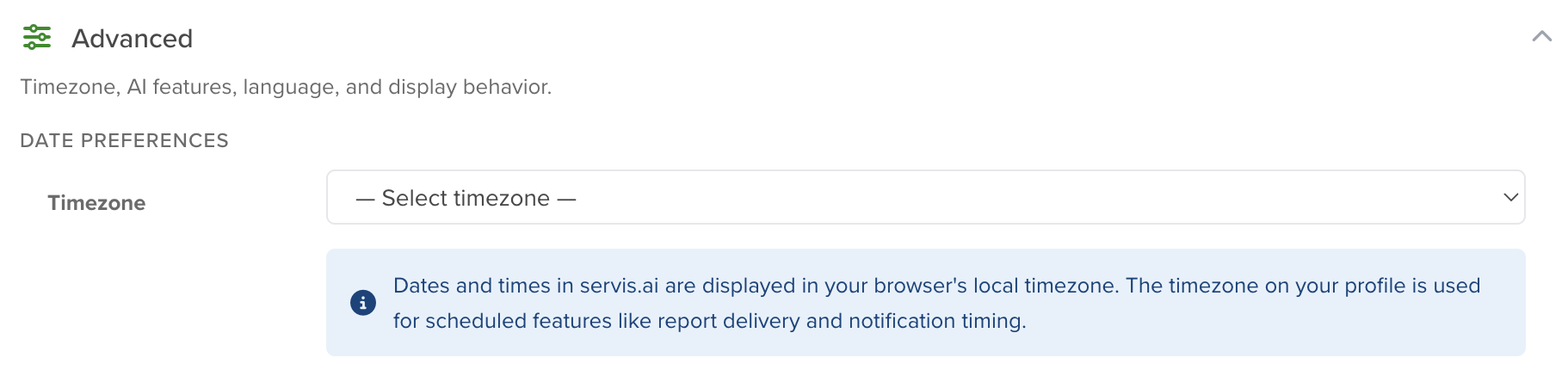
AI
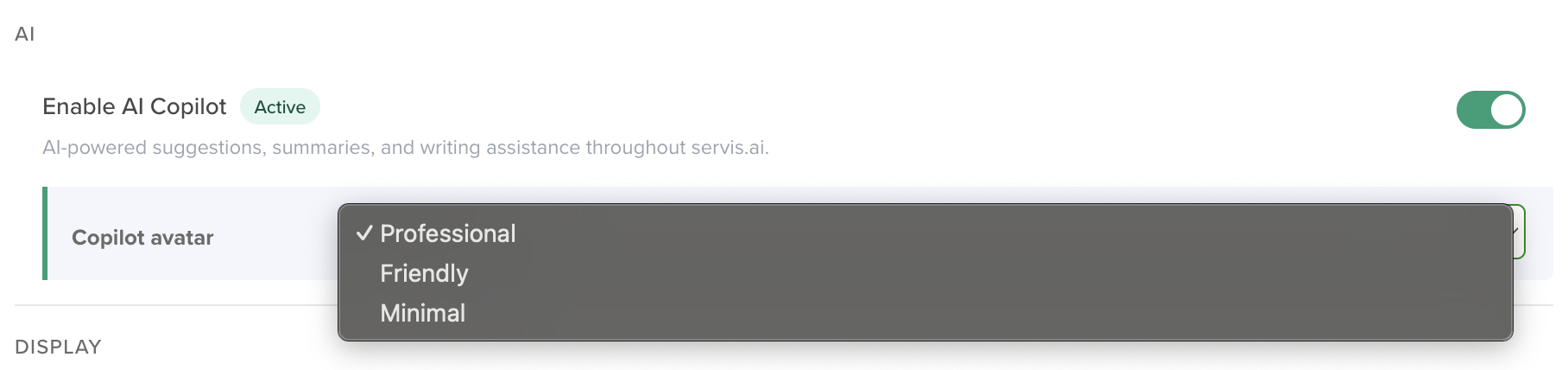
Display
Warn on unsaved changes
When enabled, you will be notified when you have made changes that you haven’t saved and also when you are creating or editing existing dashboards (like configuring a widget), but you try to navigate out of that page.
Show Deactivated Values in Filters
If this is checked, you will still see deactivated values in your servis.ai search results.
Show UUID in ID field
Displays the full UUID instead of the short ID on records.


