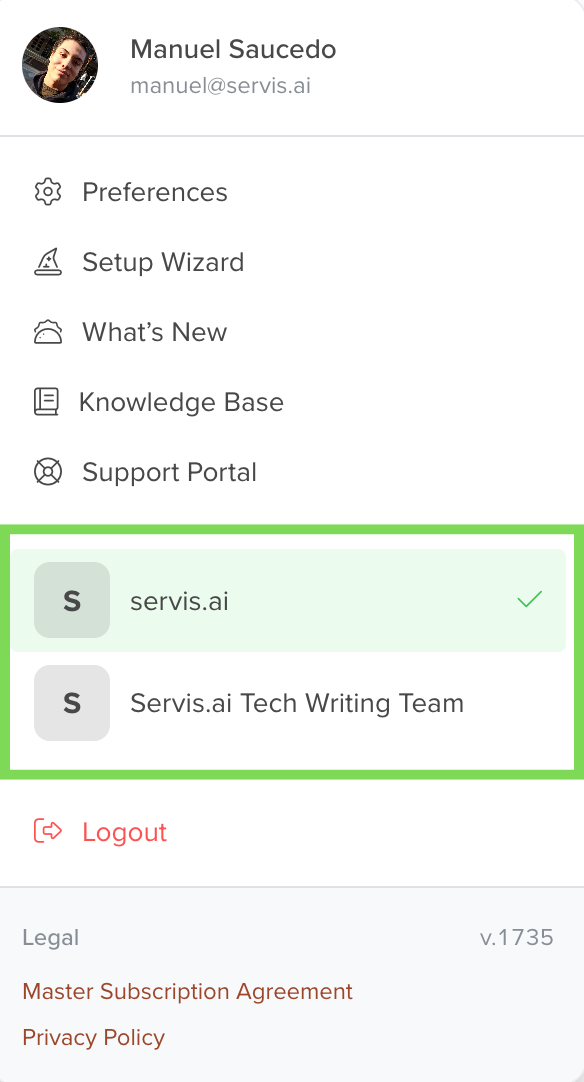
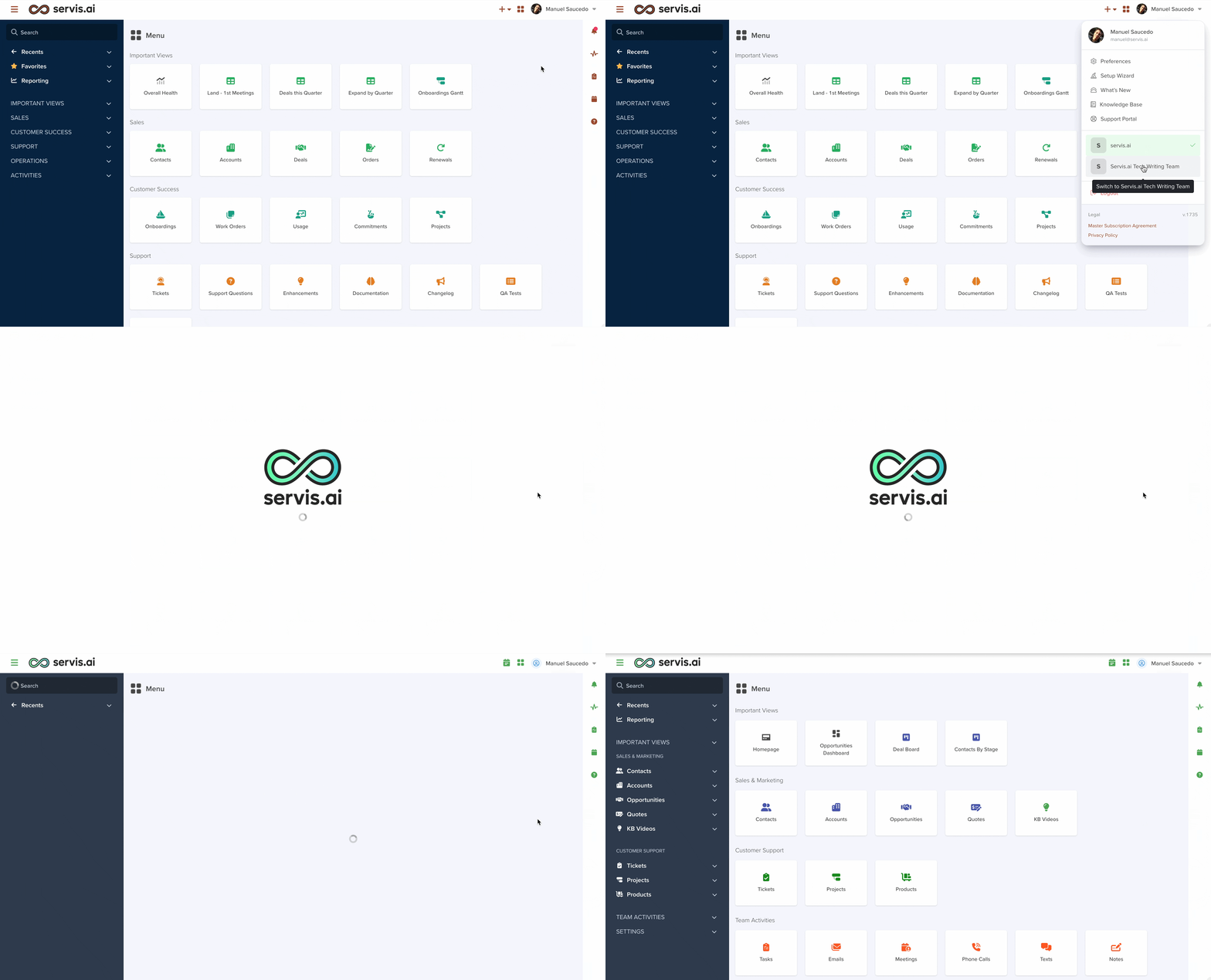
Multi-Tenant Login lets the same person (same email address) sign in to multiple servis.ai instances and switch between them inside the app, instead of being limited to a single tenant.
This is included in every servis.ai edition.
Note: You must be a licensed user in each servis.ai system you access; logging into multiple systems requires an active license in each respective system.
Setup
To use Multi-Tenant Login, your user account must exist in each tenant, using the same email address.
Add the same email in each tenant
- In Tenant A, confirm your user email.
- In Tenant B, a tenant administrator goes to users and adds a user with the same email.

- Repeat for any other tenants you need.
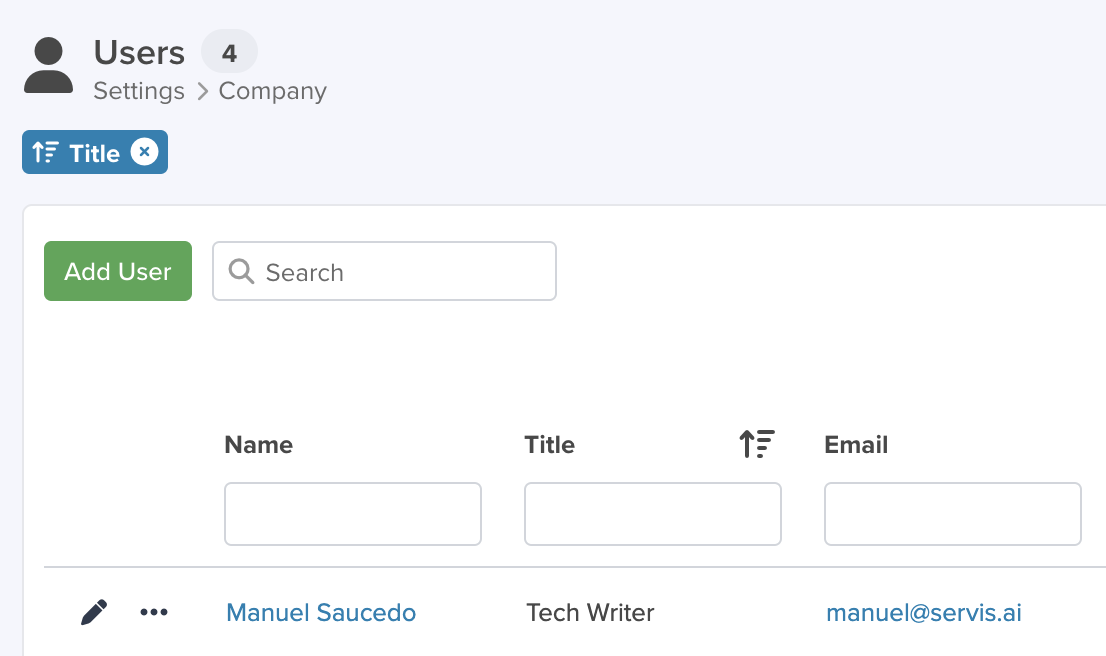
Note: Your role can be different per tenant (admin in one, standard access in another).
Use it
- Log in as you normally do.
- Open your profile header.
- Select the tenant you want to switch to.
- You’ll be redirected to that tenant’s context without entering new credentials again.