Servis.ai offers the option to manage all your Contacts, Accounts, Deals, and your Custom Apps on the go with the mobile app.
The app is currently available for both iOS and Android.
You might also have an iPad would would like to use the servis.ai app on that device as well. You can use the mobile app on your iPad, but we recommend using the web version of servis.ai instead. Let’s go over both options.
1. Using the Mobile app on your iPad.
The servis.ai app is designed for phones first and foremost. You can install the app on your iPad, and it will run. It can only be used in “Portrait Mode” as that is how applications are displayed on a phone. In situations where you’re using a keyboard case, this would make the application very difficult to use.
Instead, we recommend using the web-based version of servis.ai outlined below.
2. Use the Web-based version of servis.ai and install it as a Web App
This is the preferred method for using servis.ai on an iPad.
- Go to servis.ai using Safari. You will get a warning letting you know that servis.ai is best used with Google Chrome. Click on ‘Let Me Proceed Anyway”.
Note: You can install Google Chrome on your iPad, but it will still use ‘webkit’ for all page rendering, so you will still get the warning when you go to servis.ai.
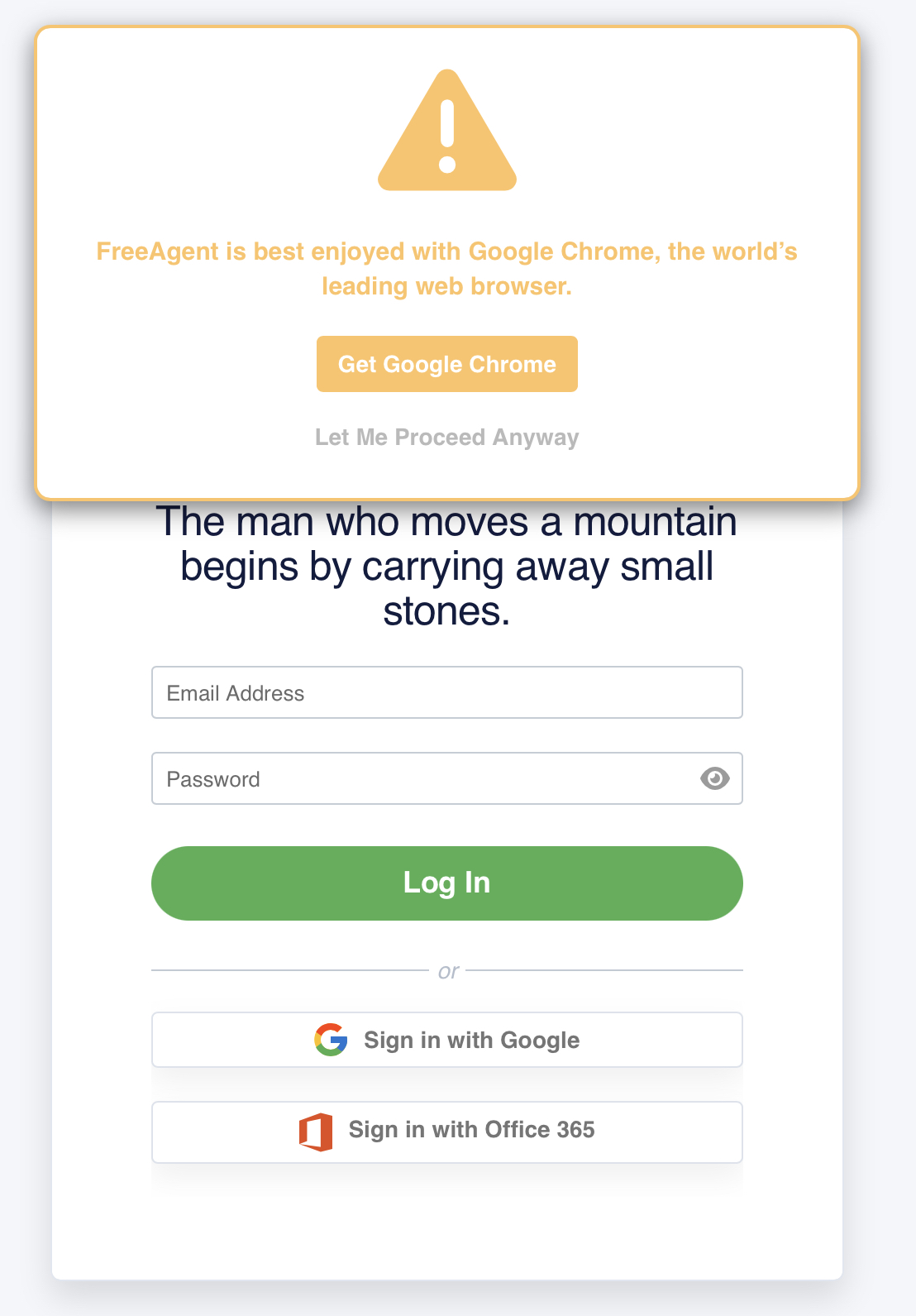
- Log in to your servis.ai account.
- Once logged in, click on the “Share Sheet” icon in the top right corner of the browser.
- Then select “Add to Home Screen.”
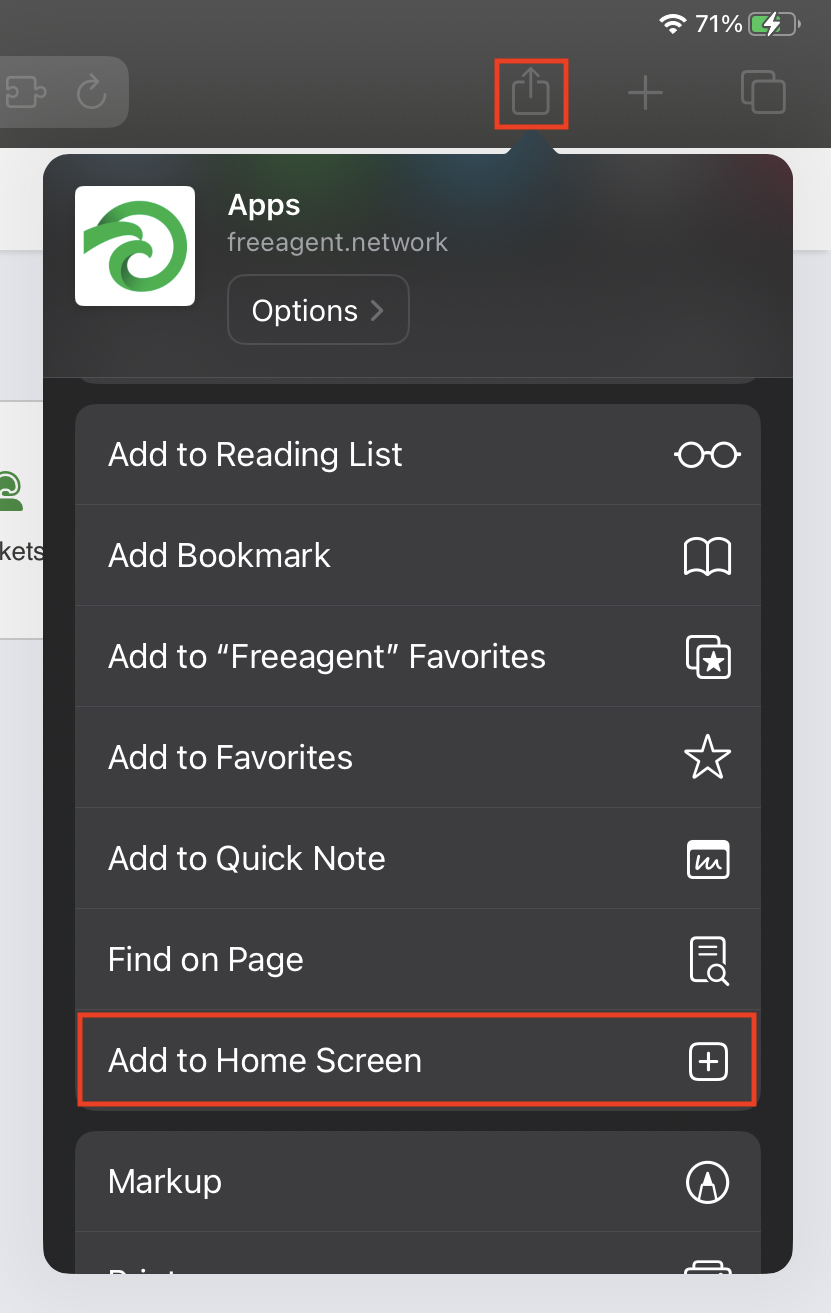
- This will create an icon on your home screen that will allow you to open the web version of servis.ai the same way you would a native app.