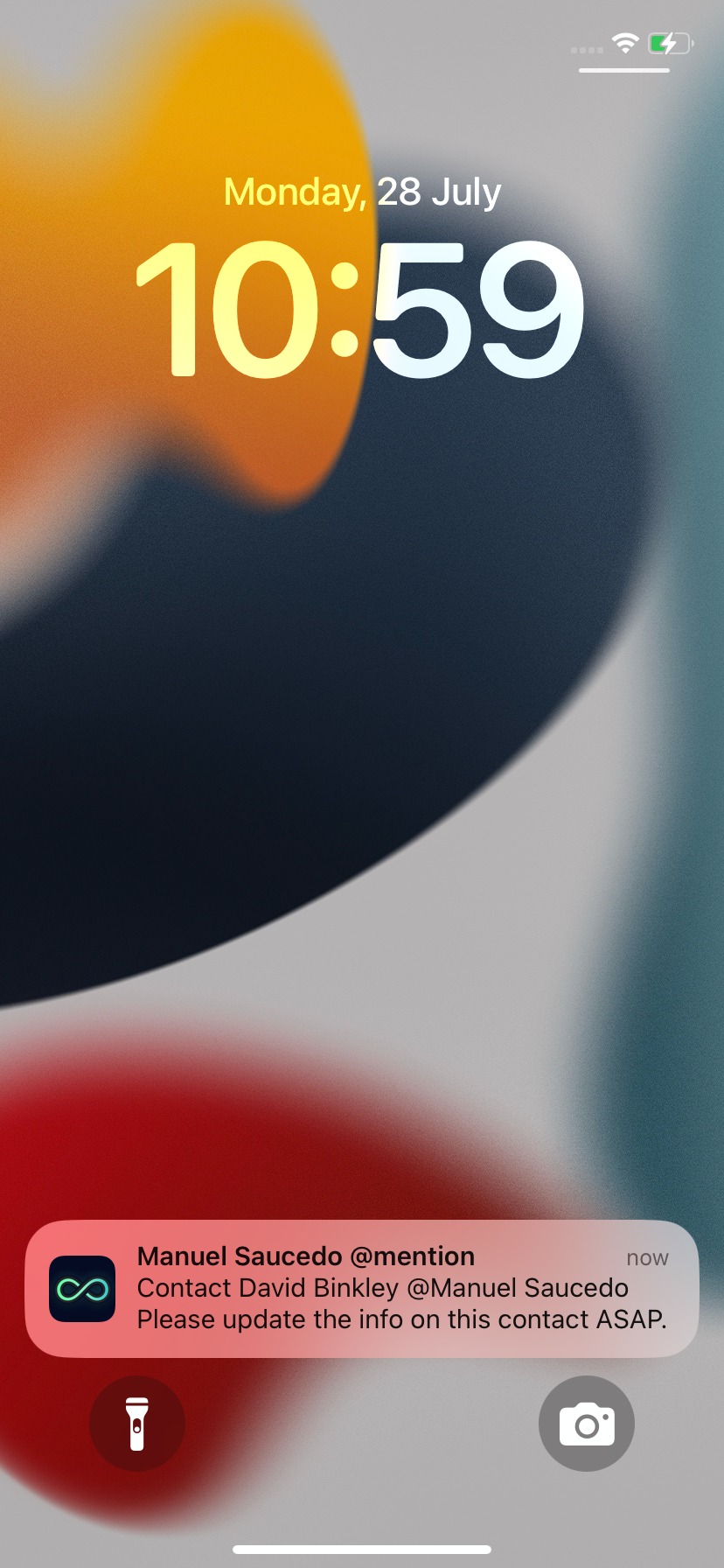
If you have enabled notifications in servis.ai, you can also receive them on your mobile device with the servis.ai mobile app (iOS and Android) to learn more about everything going on while you are on the go. Get notified if a contact emails you, if a team member assigns a record to you, or if the Next Step due date approaches.
User Permissions: No special permissions are required to use this feature.
Prerequisites: You need to configure your notifications in the Web app and have the servis.ai mobile app installed to receive notifications on your mobile device.
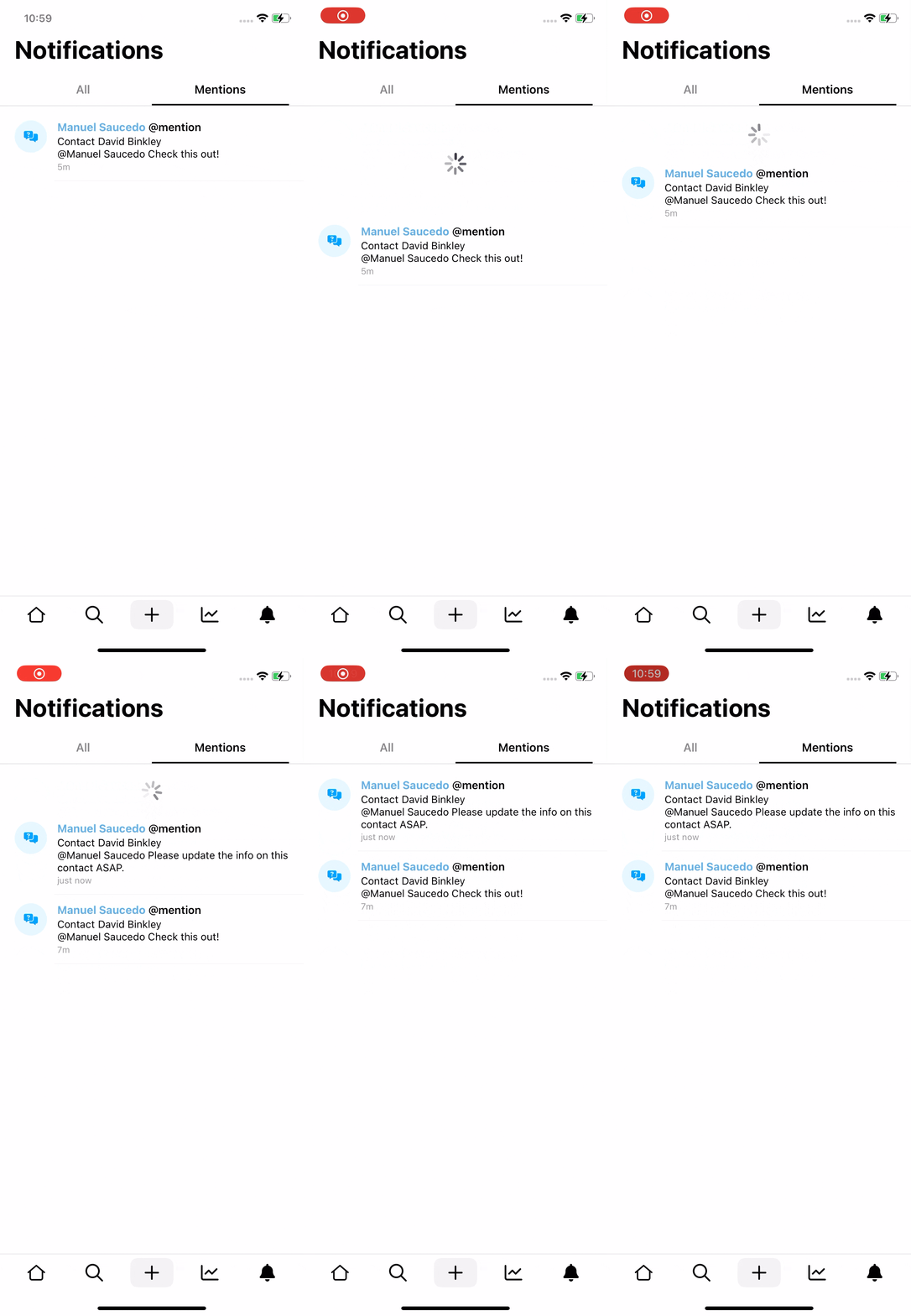
The notifications are available through the menu in the mobile app. Tap the menu icon to open it and then tap ‘Notifications’. You will see a list of all your current notifications. To see more details, just tap on a notification.
The information you will see will depend on the type of notification. You can learn more about the available types in the following tutorial:
Notification Types
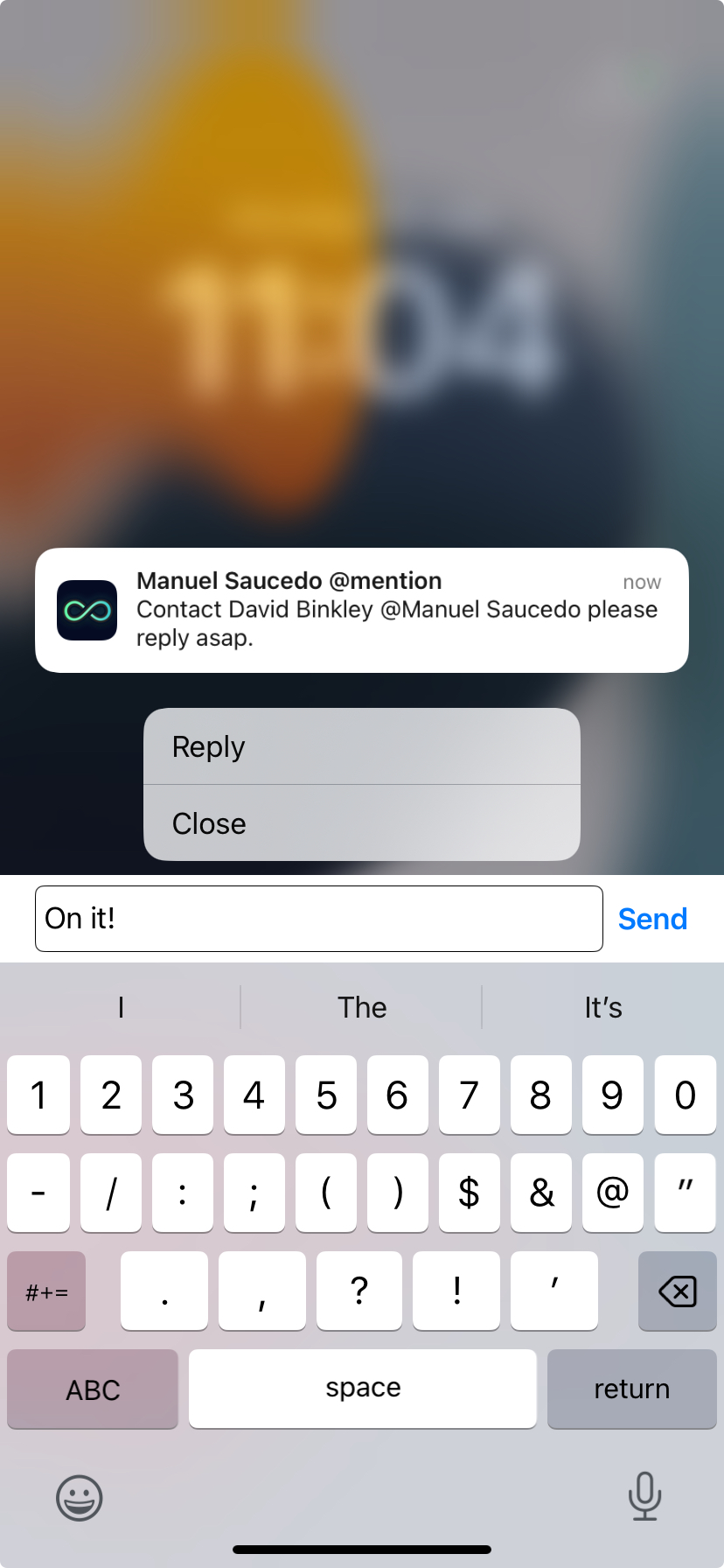
When you’re not using the servis.ai app, you can still receive pop-up notifications. You can tap on the notification, which will take you to the app. Or you can long-press to reply to the notification without opening the app!
To learn more about notifications or where to download the mobile app, please visit the following tutorials:



