Admins can see when webhooks are called via Webhook Executions. Each webhook execution record contains the date-time of the call, input and response information, as well as references to any related Jobs or Workflow Activities.
User Permissions: You must be an Admin to use this feature
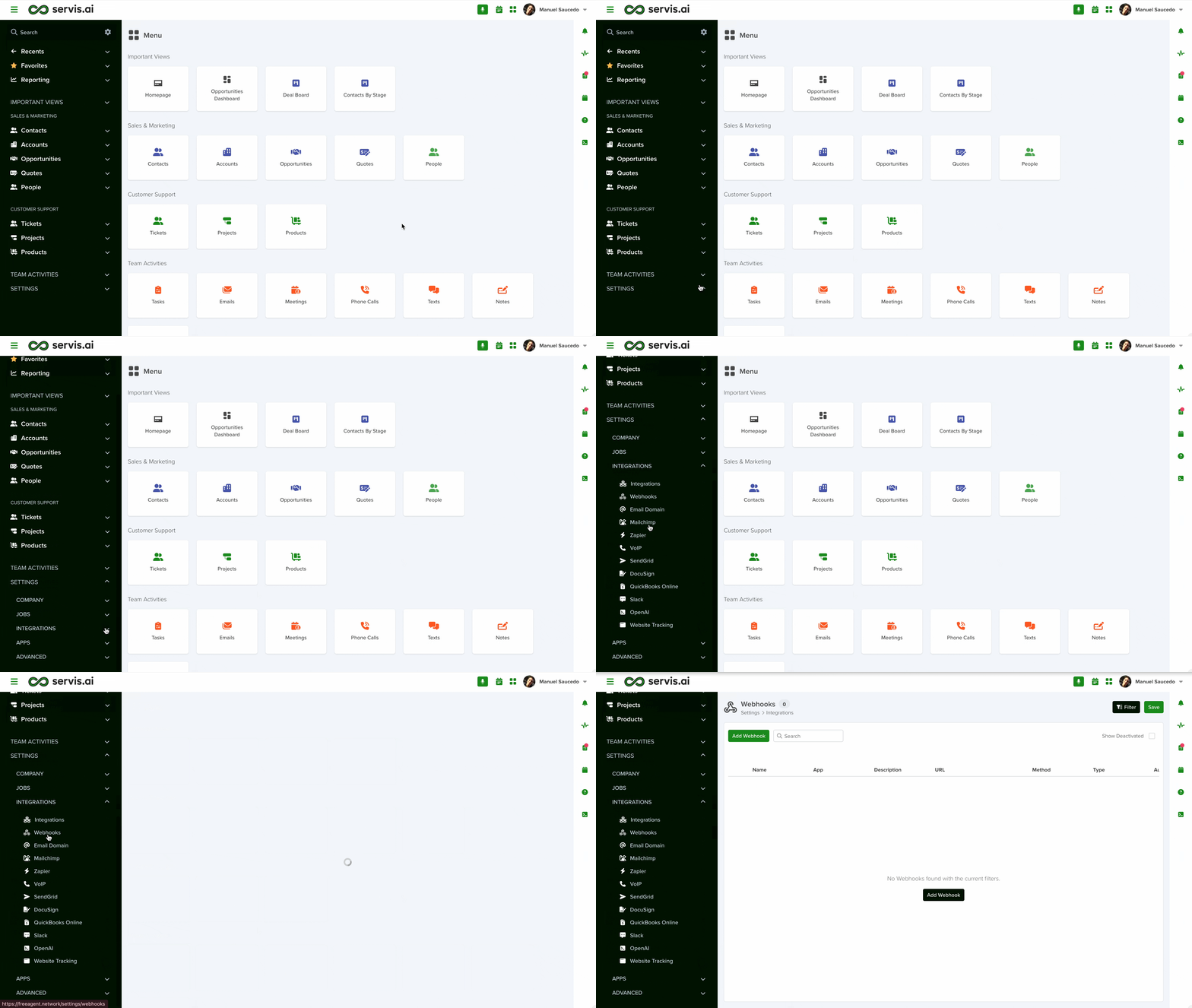
Navigate to Webhook Executions
Go to Settings > Jobs > Webhook Executions.
Organize and Search Webhook Executions

1. Search
You can search webhook executions just as you can in other list views within servis.ai.
2. Filter
Create your own custom filters and save them for use later on.

Limitations & Quarantine
- The maximum limit per job/ webhook call is 10MB.
- Webhooks have a job throttling limit of 100 transactions per minute, including webhooks from Automation Actions.
- When that limit is reached, the Quarantine is triggered, and the following jobs will be ignored for 1 hour.
- A notification will be sent to admins:
“You’ve exceeded the limit for (job_type) and are now in quarantine. No new (job_type) will be accepted until (quarantine_end). Contact support for more information.”


