Servis.ai supports multiple languages, allowing each team member to select their preferred language for their account. This helps create a more comfortable and efficient experience for all users.
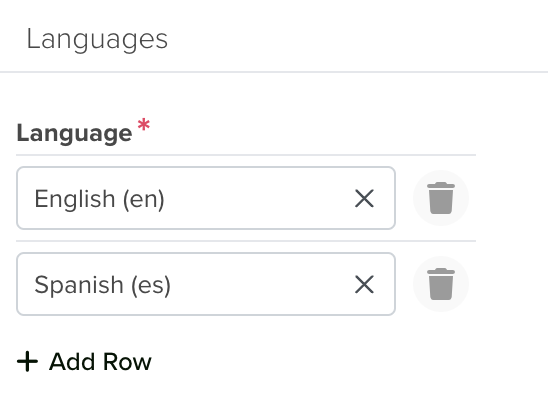
Setting Up Multiple Languages
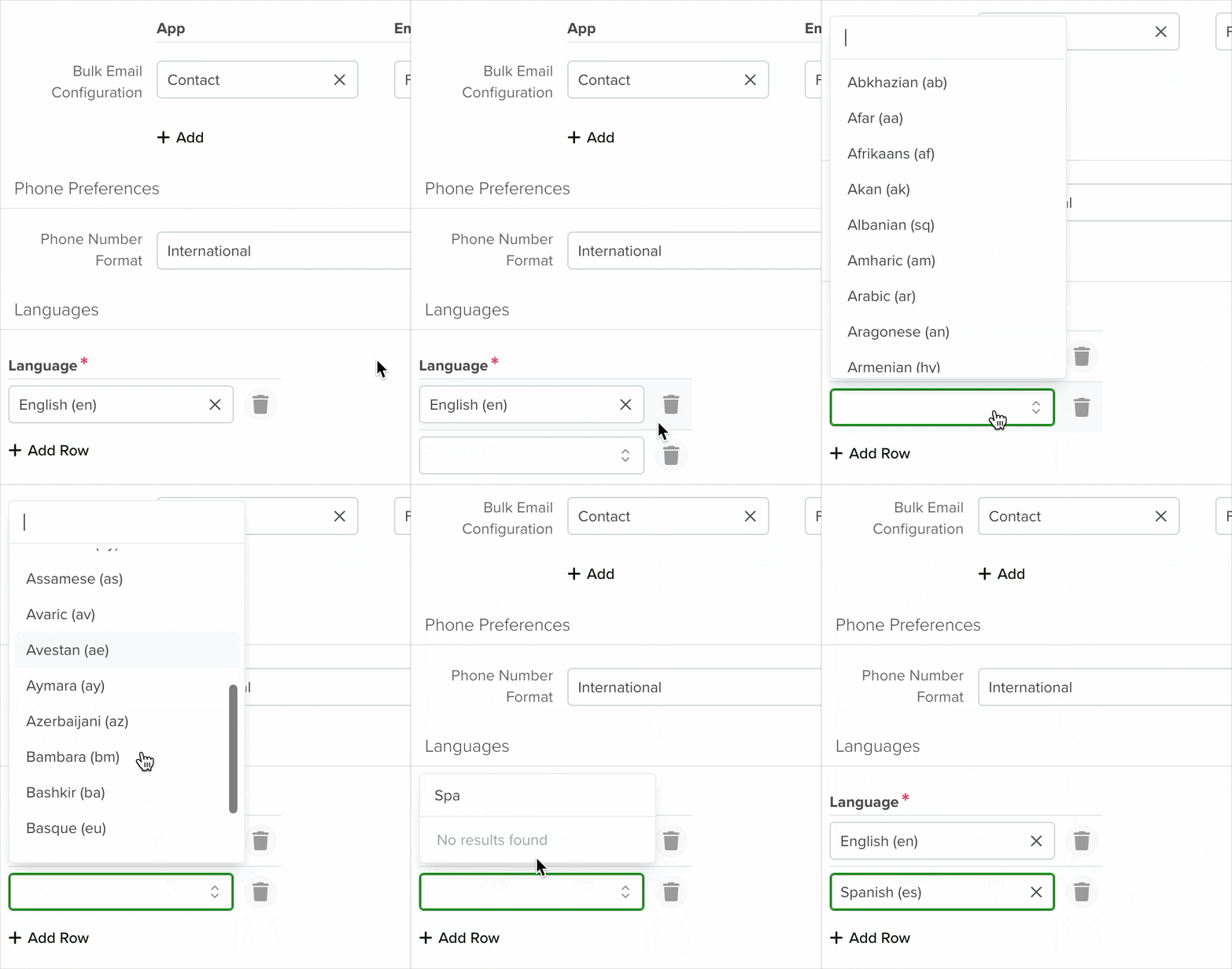
The default language in servis.ai is English. Administrators can add additional languages from the bottom of the Settings page.
To add a new language:
- Click “Add New”.
- Select the desired language from the list.
- Click “OK” and save your changes.
User Preferences
Once multiple languages are enabled, users can update their language preference in their account settings to use servis.ai in their chosen language.


